The short version
Match your label paper’s product number or check its label dimensions, rows, columns, margins, and spacing. Choose the matching sheet layout, then use Printer setup to check the printed positions.
1. Start with your label paper
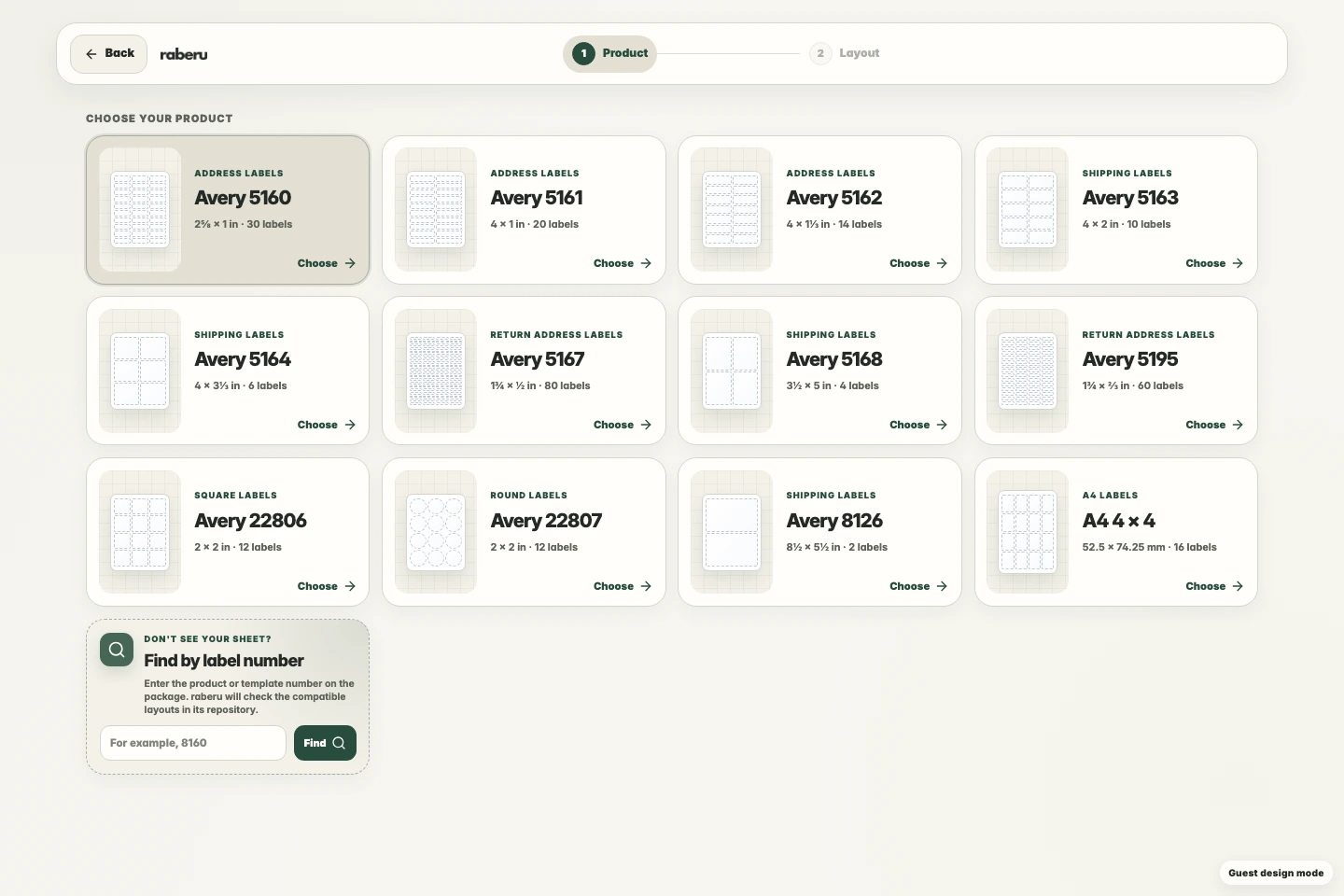
Use the product or template number on the package to find a matching layout. Check the label dimensions and sheet count rather than relying on appearance alone.
2. Check the size and spacing
A sheet layout includes the page size, label dimensions, rows, columns, margins, and gaps between labels. These measurements need to match your paper for the print to line up.
3. Leave room for your content
Choose a label size that gives your text, images, or codes enough space. Check longer entries at their intended printed size and keep important details away from the edges.
4. Check the layout before printing
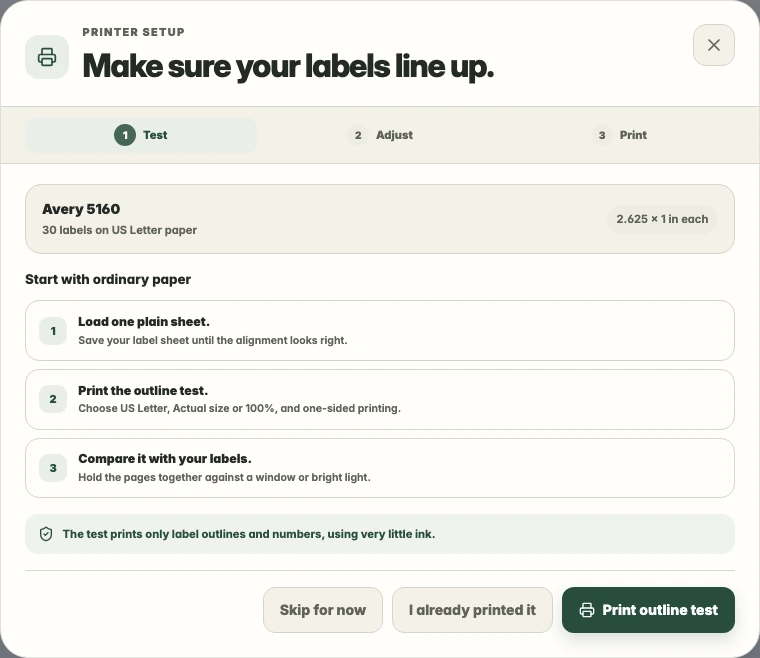
Use an outline test on plain paper to check the selected layout against an unused label sheet. Print at Actual size or 100% scale with the correct paper size.