A little help, from first label to final print
Guides
Good labels start with a few simple steps. Turn a spreadsheet or a list of names into labels, repeat the same text, make barcode and QR code labels, or save a set to reuse your details. Follow the steps in raberu.
14 guides
Text & spreadsheets
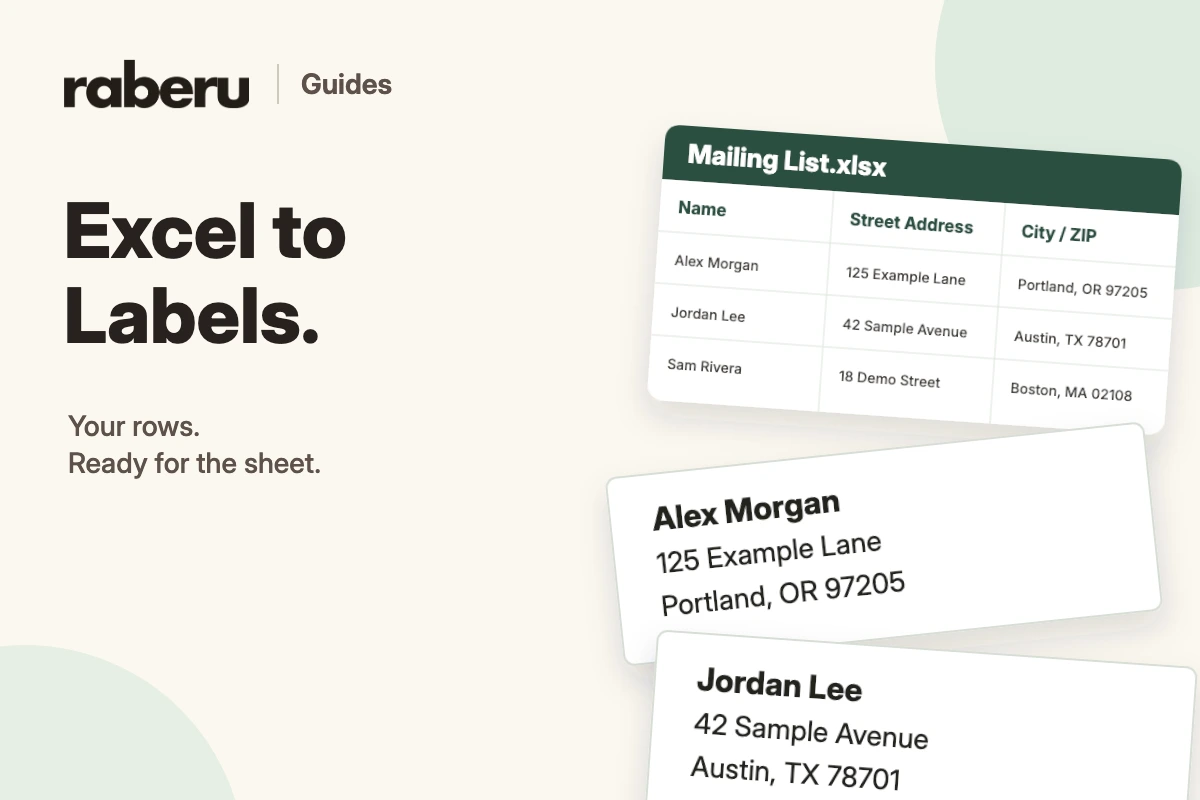
How to Convert an Excel Sheet to Labels
Turn an Excel mailing list into address labels by importing your data, matching columns to label fields, and reviewing the sheet in raberu.
Read the guide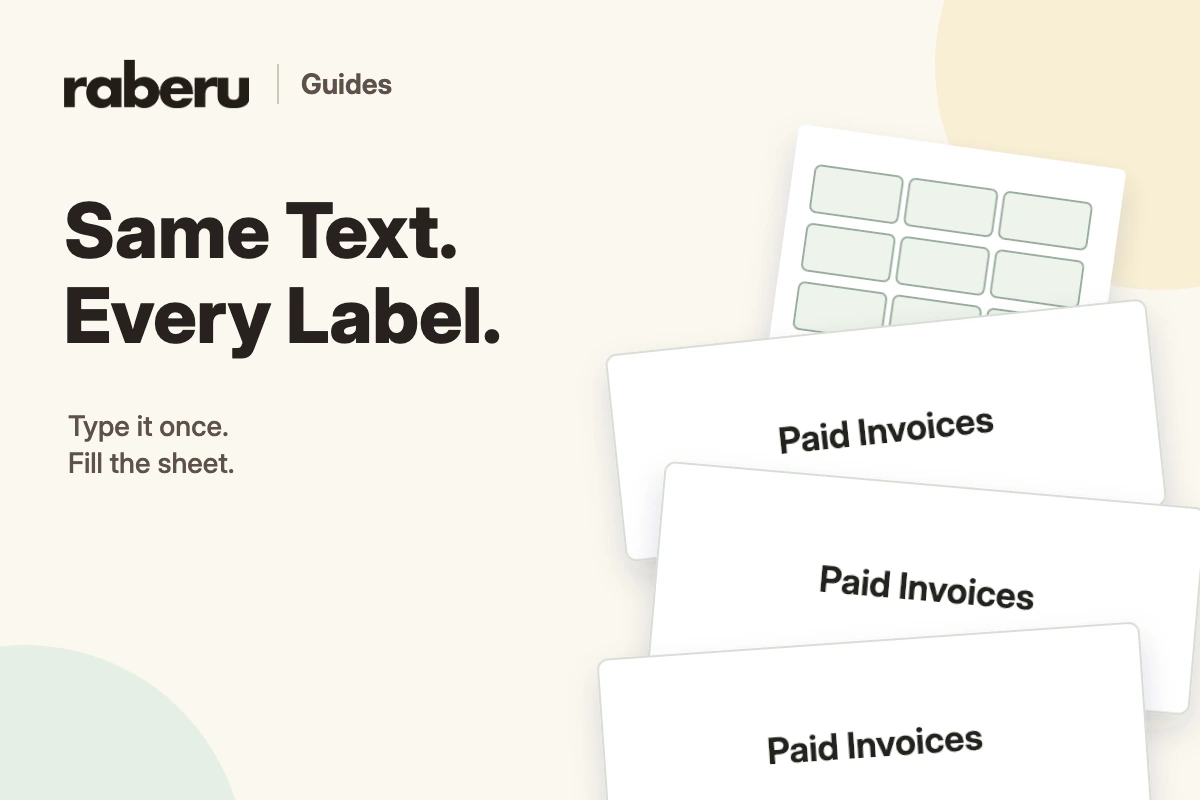
Text & spreadsheets
How to Make a Sheet of Labels with the Same Text
Repeat shared wording across a sheet of labels using Same Text in raberu.
Read the guide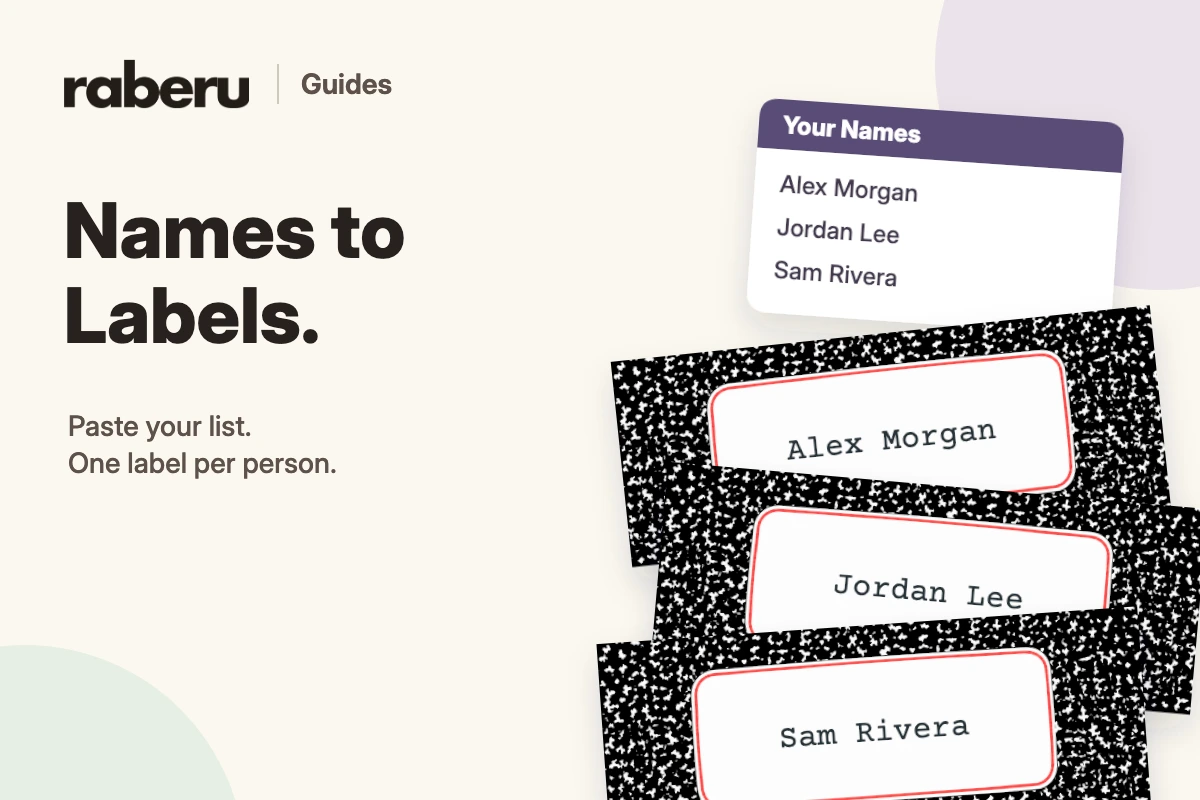
Text & spreadsheets
How to Make Labels from a List of Names
Use a list to place a different name on each label while keeping a shared design in raberu.
Read the guide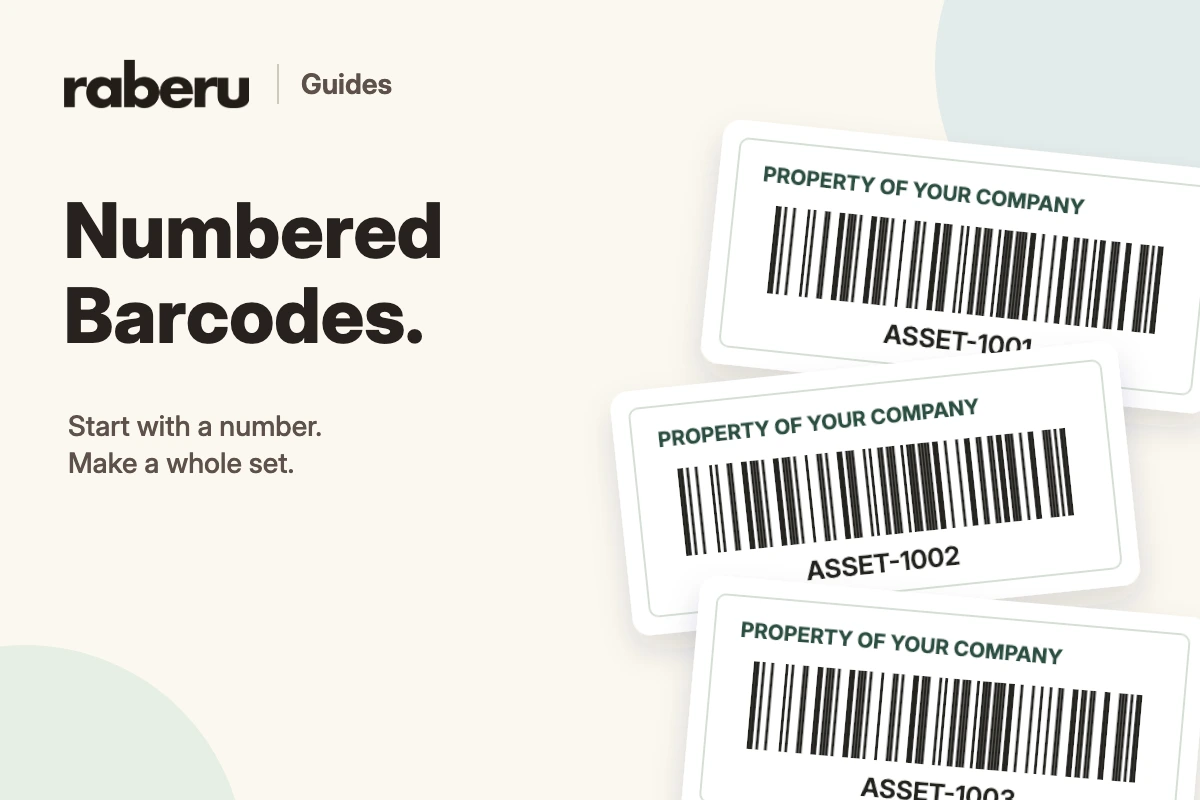
Barcodes & QR codes
How to Make Numbered Barcode Labels
Create a sequence of numbered barcode labels using the Numbers controls in raberu.
Read the guide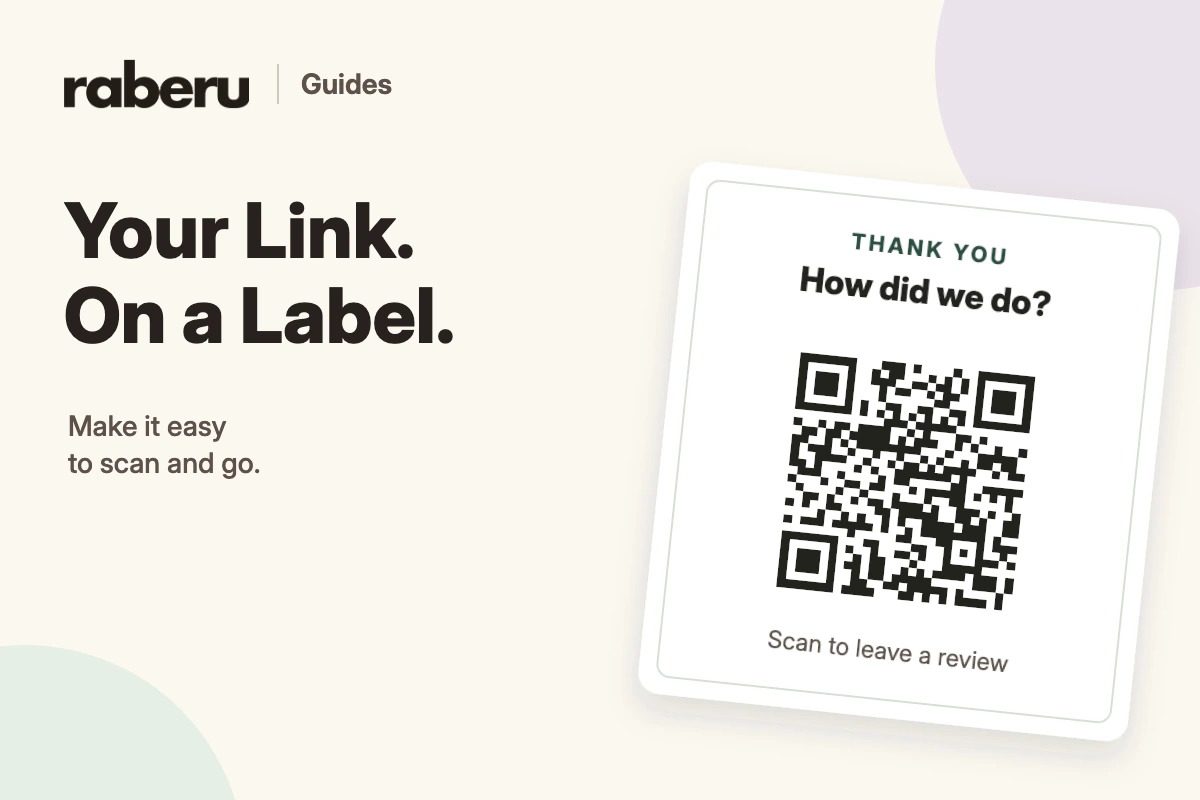
Barcodes & QR codes
How to Make QR Code Labels
Add a destination to QR code labels, adjust the surrounding design, and check the printed result in raberu.
Read the guide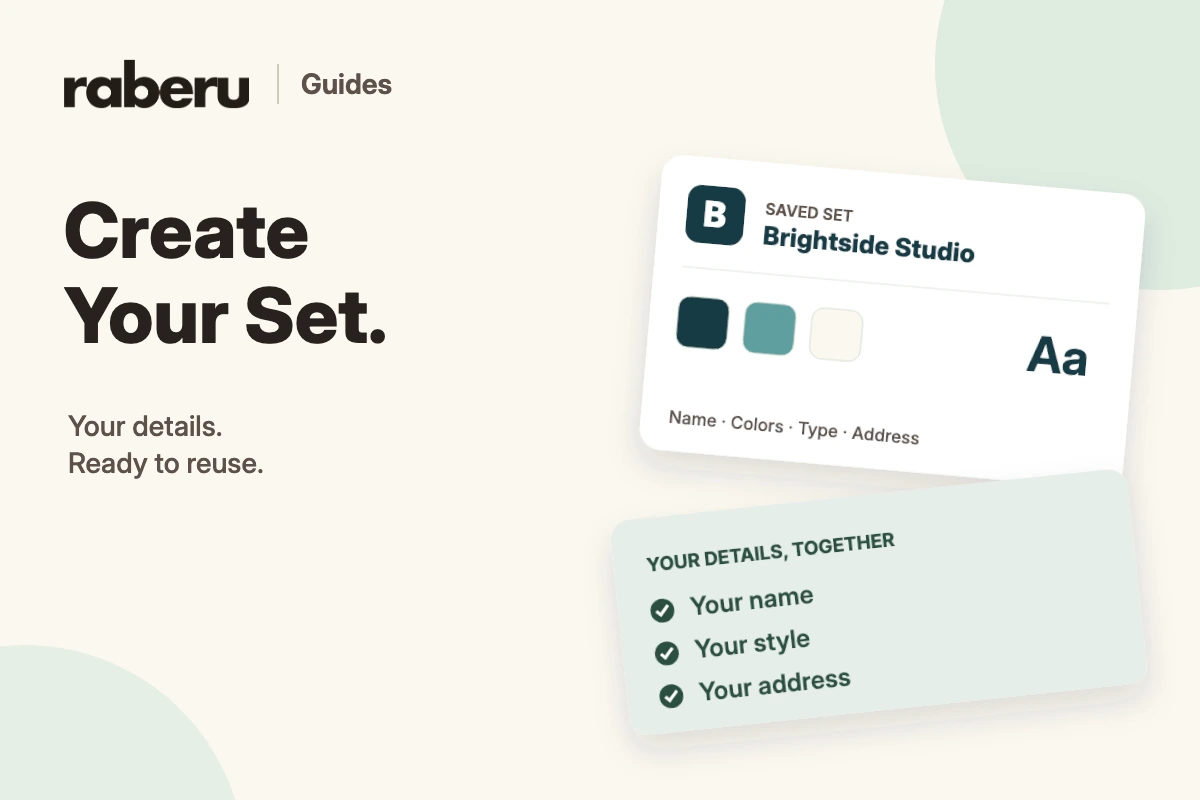
Sets
How to Create a Set for Your Labels
Save a name, logo, colors, type style, and address as a reusable set in raberu.
Read the guide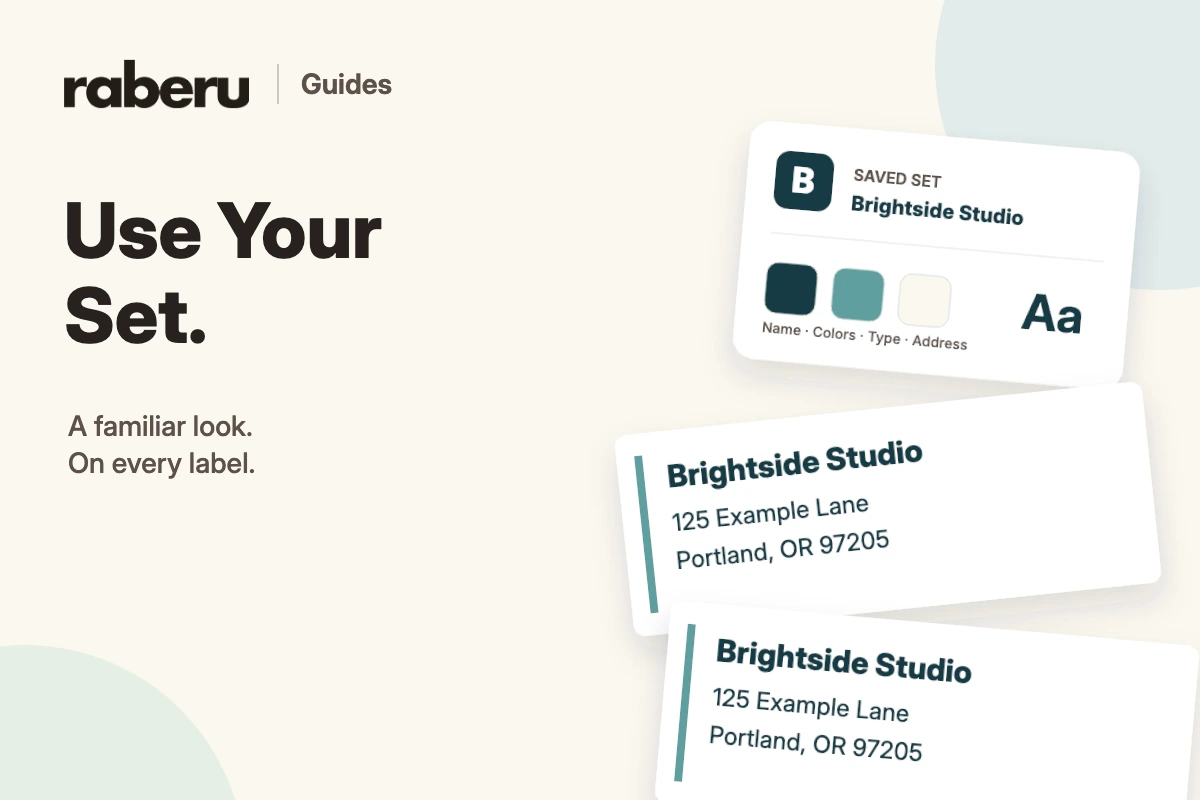
Sets
How to Use a Set on Your Labels
Apply a saved set to compatible label designs and reuse your name, address, logo, and style in raberu.
Read the guide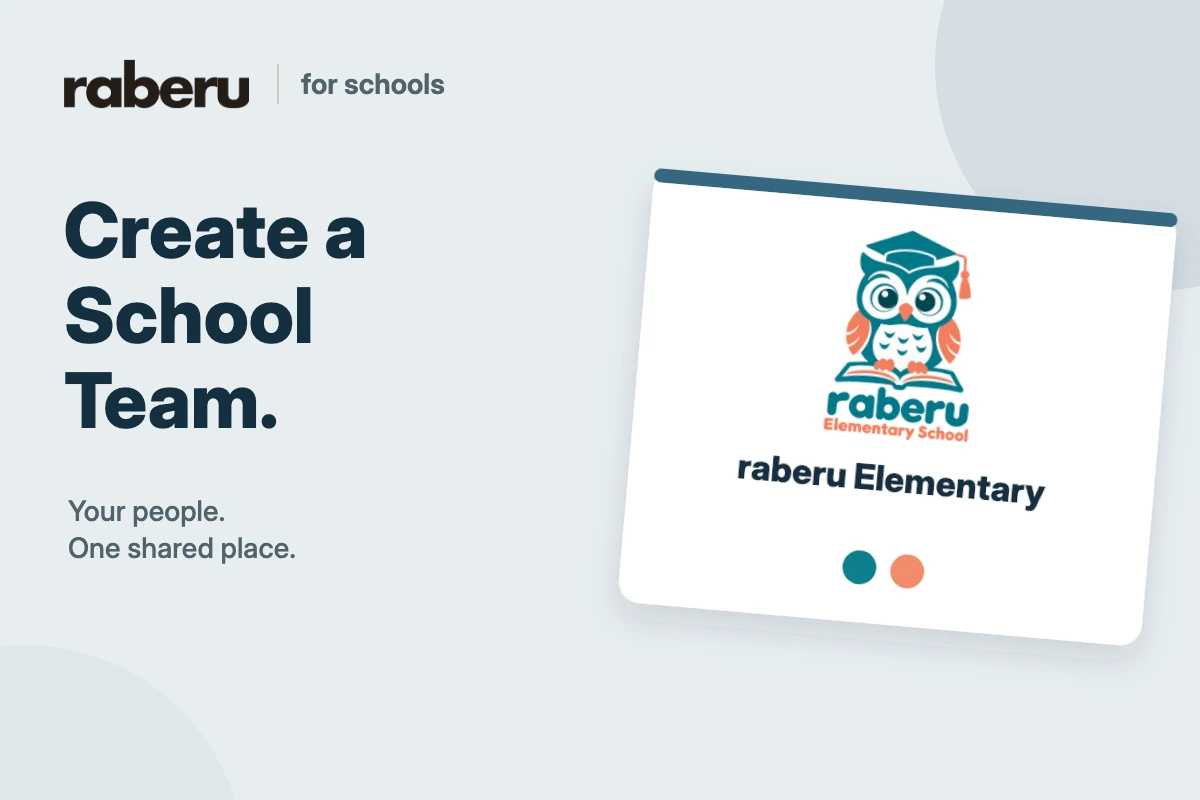
For schools
How to Create a School Team
Create a school team to bring staff, shared sets, and label templates together.
Read the guide
For schools
How to Invite People to Your School Team
Invite school staff to a raberu team and review join requests before granting access to the shared library.
Read the guide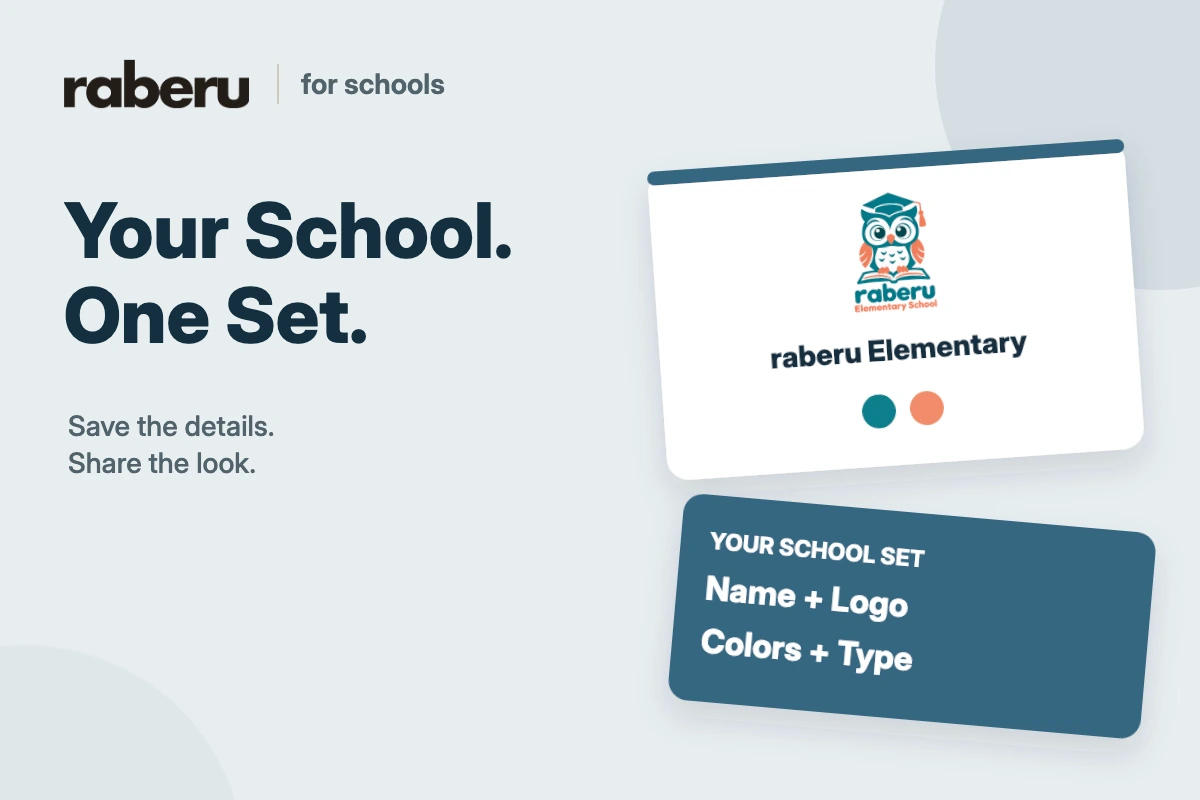
For schools
How to Add Your School as a Shared Set
Save your school’s name, logo, colors, and type style as a shared raberu set for your team.
Read the guide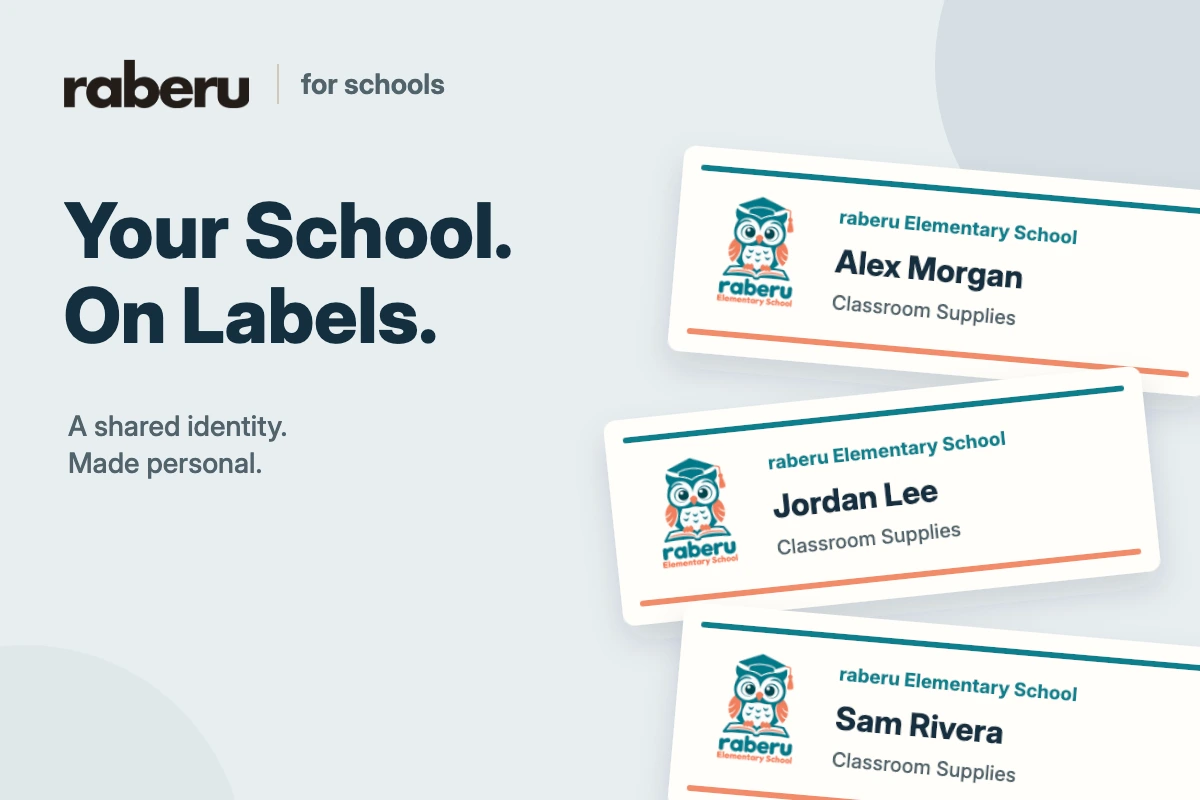
For schools
How to Apply Your School Set to Labels
Use your shared school set to apply a school name, logo, and style to compatible labels in raberu.
Read the guide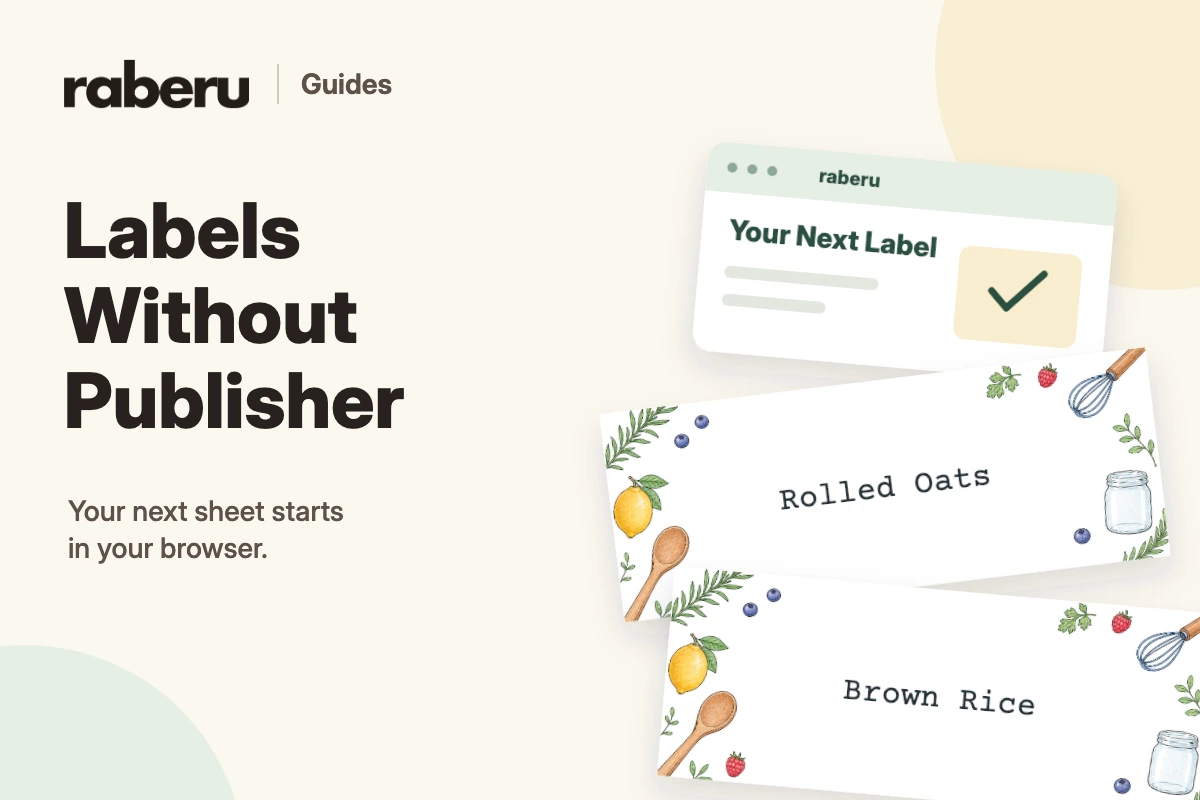
Getting started
How to Make Labels Without Microsoft Publisher
Design and fill a new sheet of labels in your browser with raberu, from choosing your paper to checking the print.
Read the guide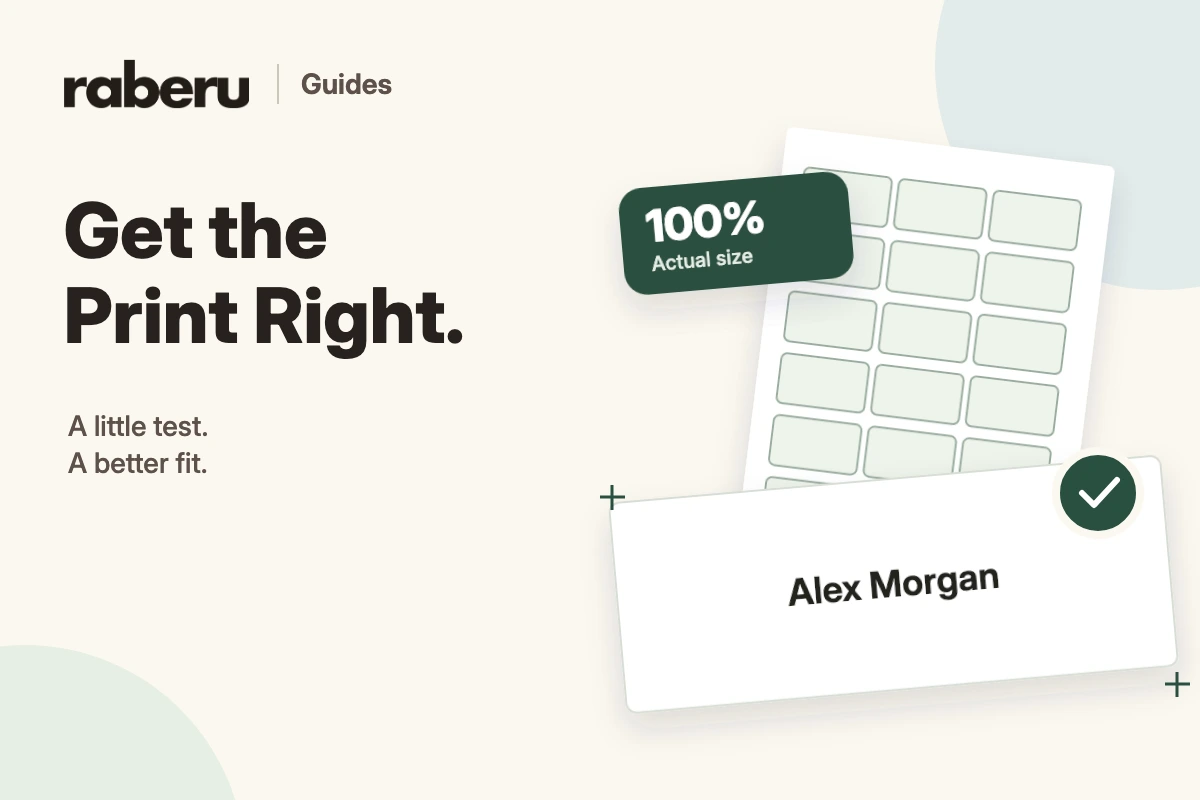
Printing & paper
Why Your Labels Don’t Line Up When You Print
Check the sheet layout, paper size, print scale, and printer alignment when labels do not line up.
Read the guide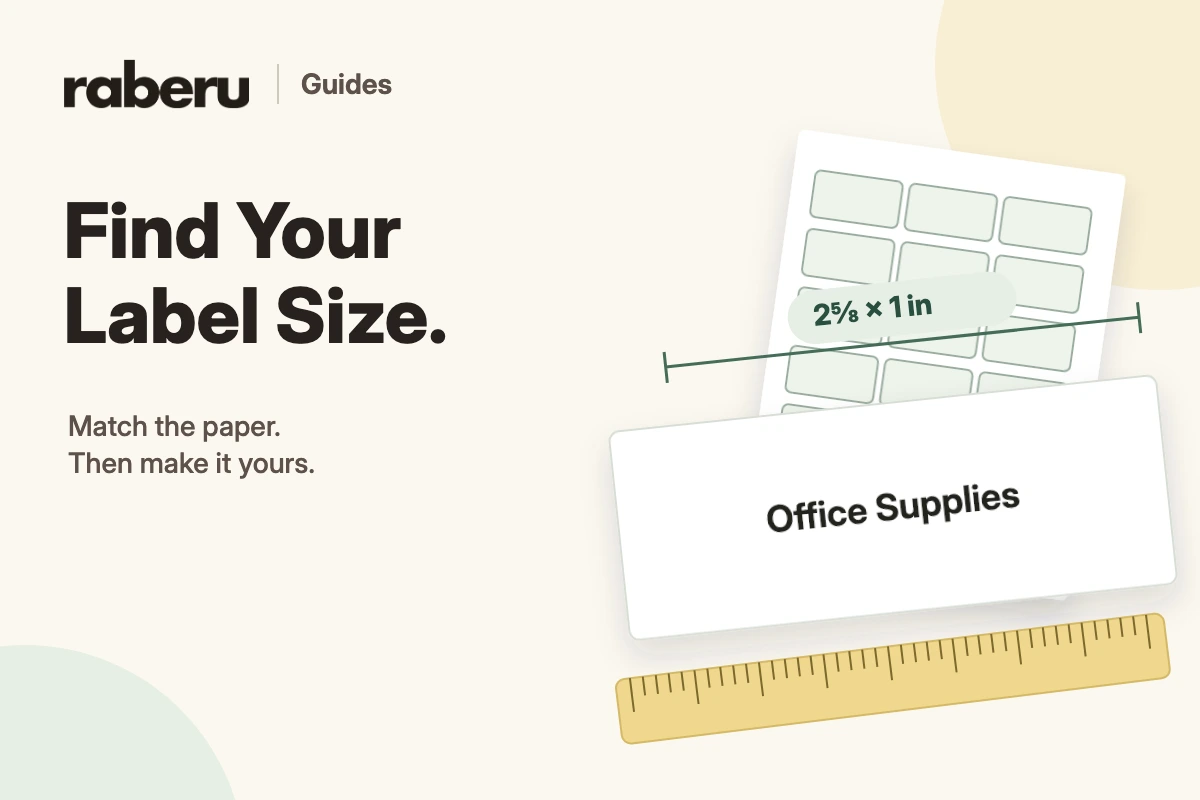
Printing & paper
How to Choose the Right Label Size and Sheet Layout
Match the label size, page dimensions, and spacing to the label paper you want to print on.
Read the guideReady to make your first sheet?
Pick your label paper and start with a design you can make your own.