The short version
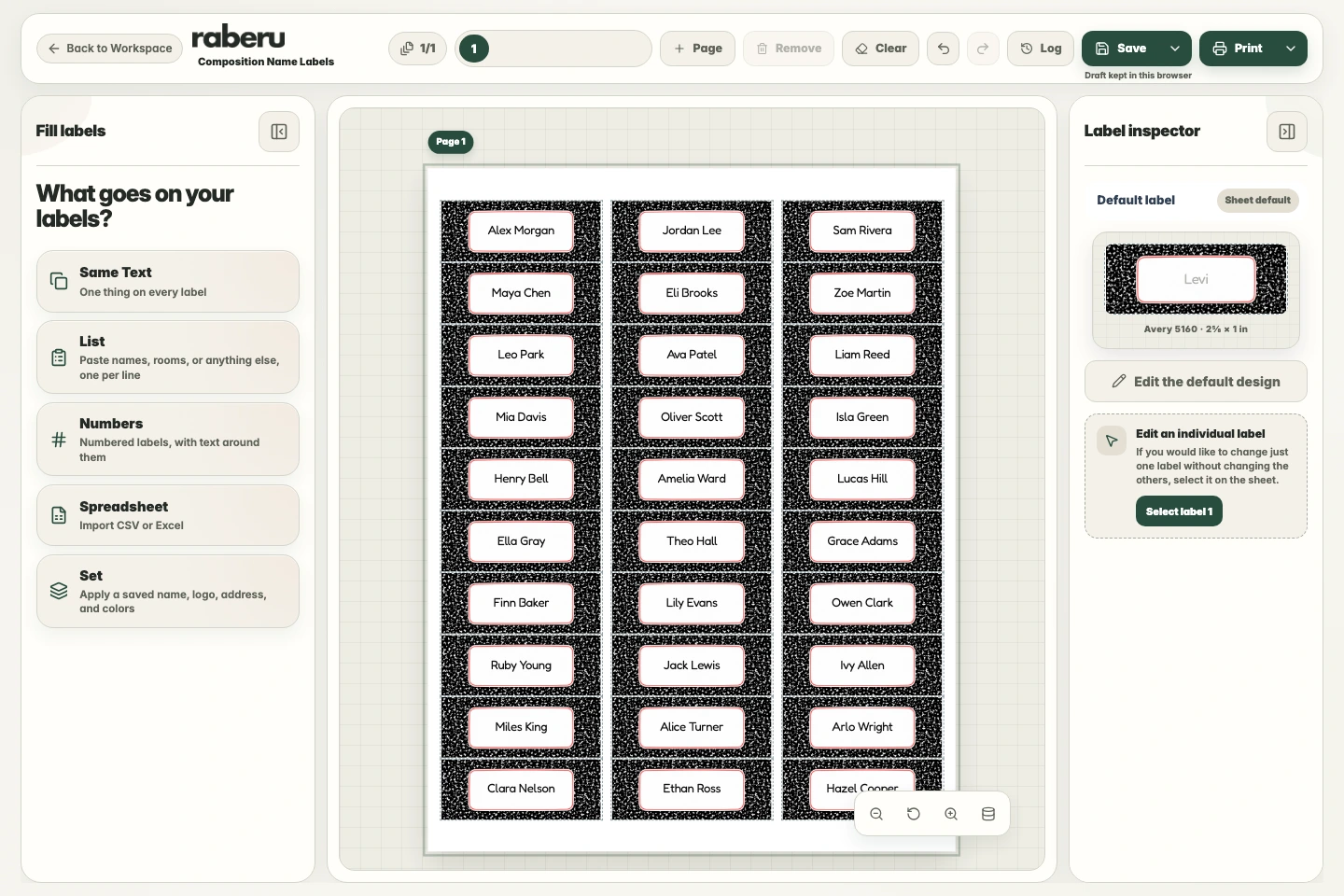
In Fill labels, choose List, select the name field, and paste one name per line. Review the list and apply it to place a different name on each label using the shared design.
1. Choose a label design
Choose a design with room for your names and a layout that matches your label paper. Adjust the shared appearance before filling the sheet.
2. Add your names
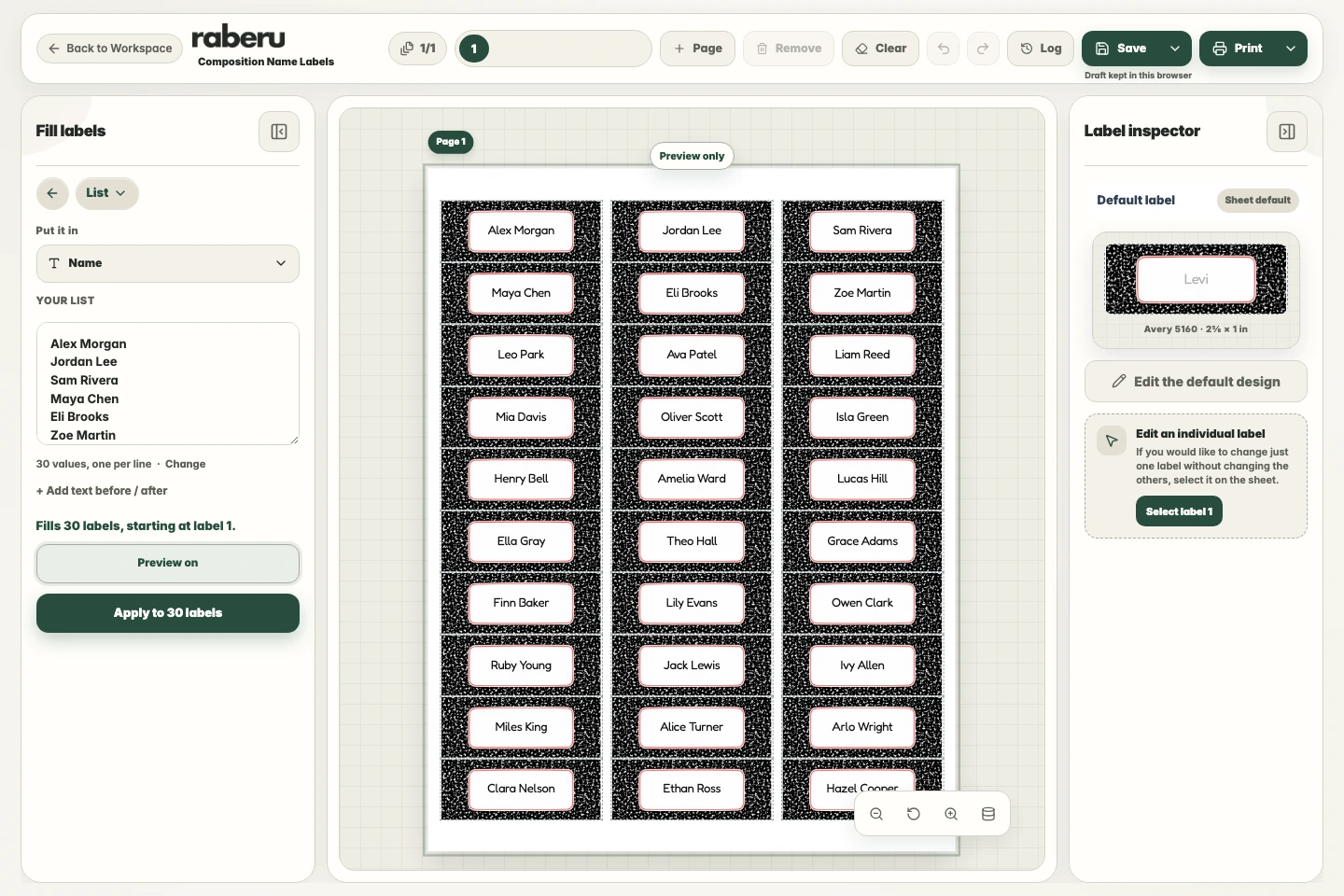
Choose List in Fill labels and select the name field. Paste your names with one person on each line, then check that the list has been read correctly.
3. Review and apply
Check spelling, order, and how the longer names fit. Apply the list when the preview looks right, and review any additional pages before printing.
4. Review and print
Check that the text fits and the sheet matches your label paper. Use Printer setup to check alignment before printing. Choose the correct paper size and Actual size or 100% scale in the print window.
Help with print alignment